







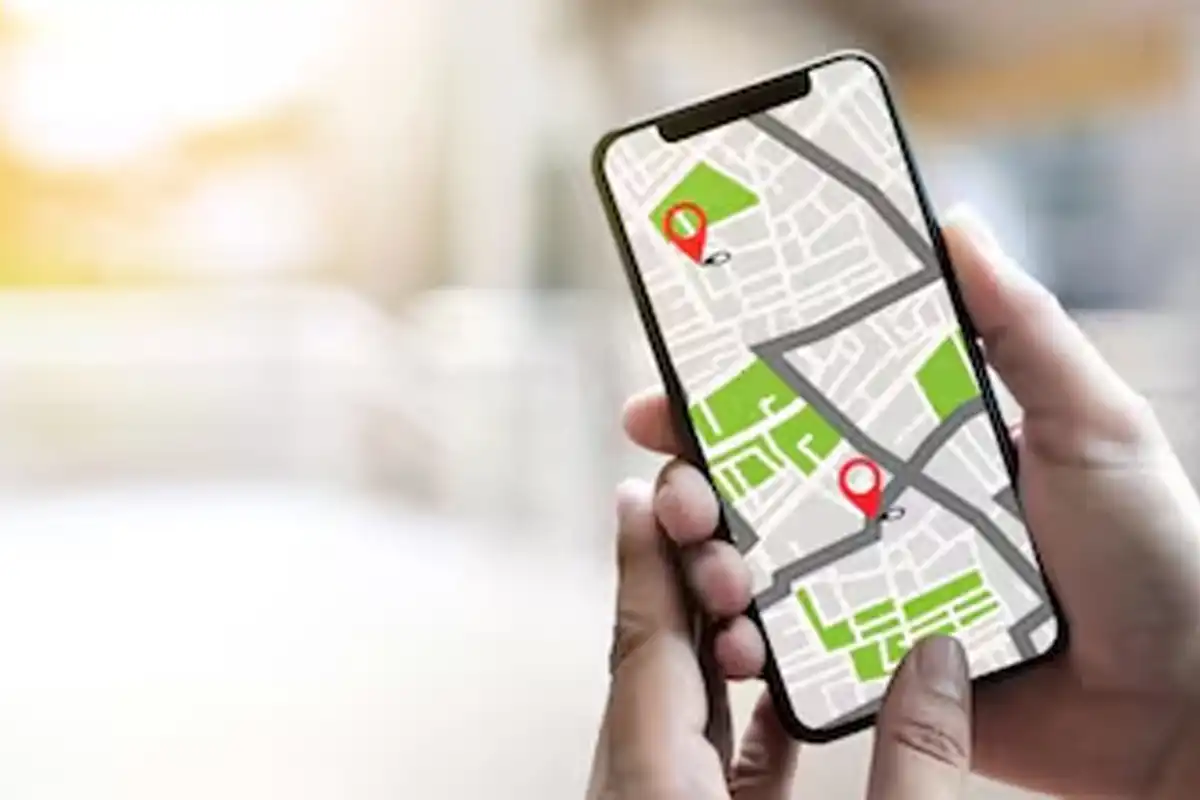
Losing your Android phone can be stressful. Your phone stores photos, contacts, banking apps, messages, and personal data. If it gets lost or stolen, the biggest worry is someone accessing your information. The good news is that Google provides built-in tools to help you track and protect your device quickly.
Use Find My Device
Google’s Find My Device, also called Find Hub, helps you locate your lost Android phone. Most Android phones support this feature, but you must make sure it is enabled. Open Settings, go to Security, tap on Find My Device, and turn on device tracking. Once activated, you can track your phone anytime.
Track Your Phone Online
If your device goes missing, open the Find My Device app on another Android phone or visit android.com/find using any web browser. Sign in with your Google account to see your phone’s last known location on the map, as long as it is connected to the internet.
Lock Your Phone Remotely
If you cannot recover your phone quickly, use Google Remote Lock to secure your data. Visit android.com/lock and enter your phone number to lock the screen remotely. This works on both mobile and web versions. You do not need to sign in again with your Google account.
Make Sure Your Device Is Online
Remote Lock only works when the device is connected to the internet. If the phone is offline, the command will activate once it reconnects. Google allows you to use the Remote Lock feature up to two times per day.
Keep Security Features Enabled
The best way to protect your data is to prepare in advance. Make sure Find My Device is active, your Google account is connected, and device tracking is turned on. These small steps can prevent serious data misuse.


